🎬 Professional OMT Streaming

Your phone.
Your OMT source.

Stream your camera or screen live to OBS, vMix, and any OMT receiver — and monitor any OMT source back on your device. All over Wi-Fi.

All features free · Remove watermark with Pro · No subscription
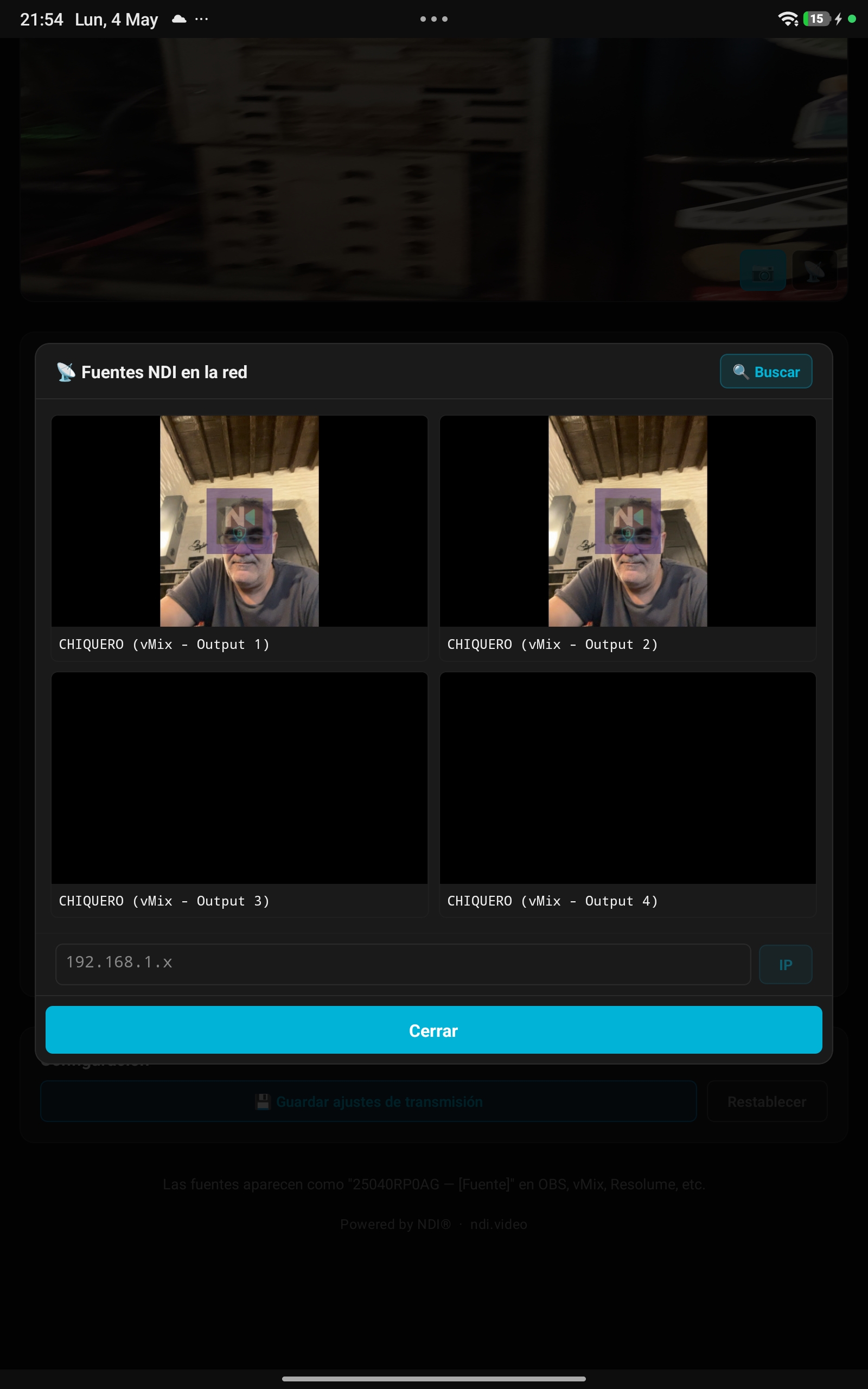
OMT Monitor source picker
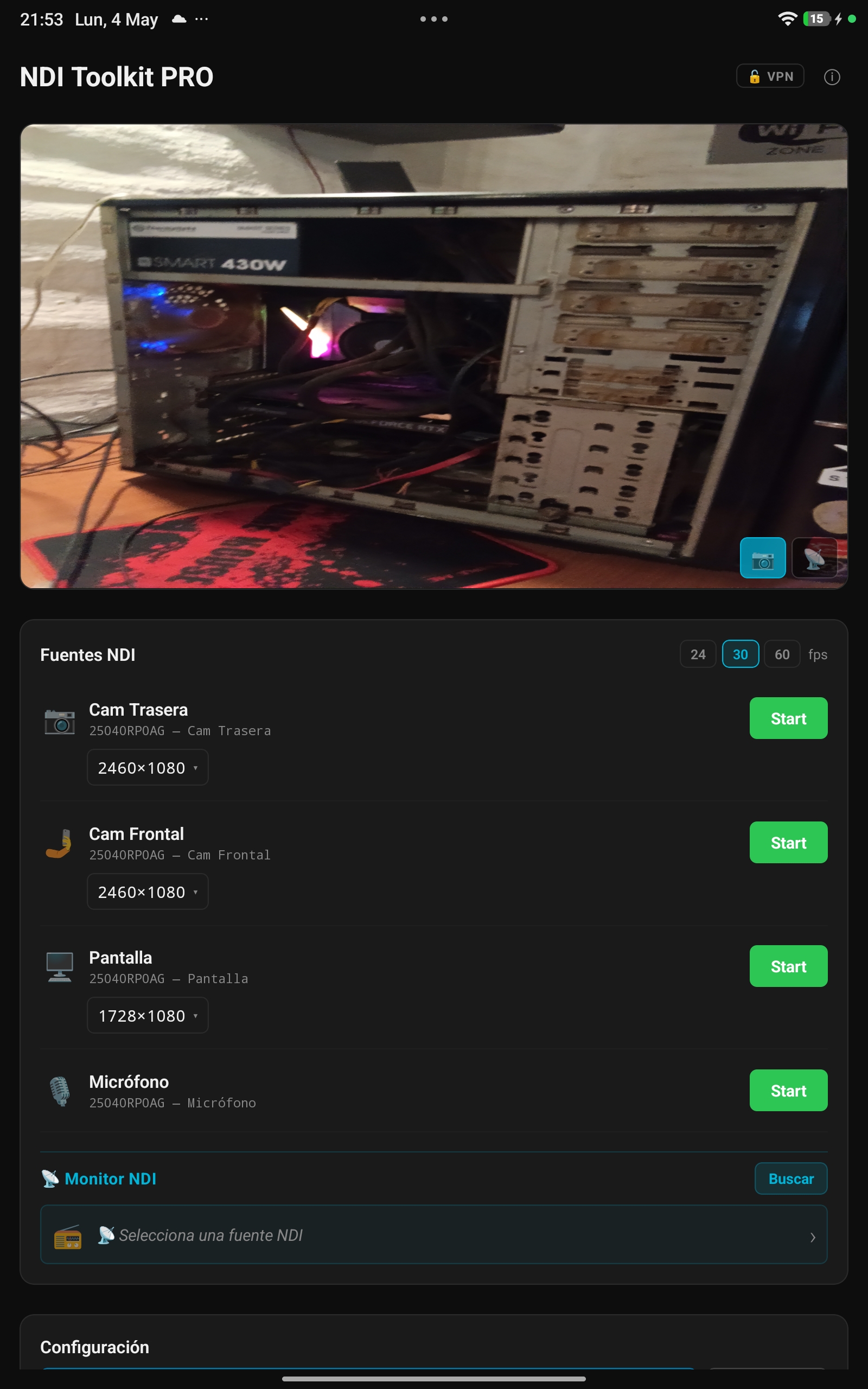
OMT Toolkit PRO main screen
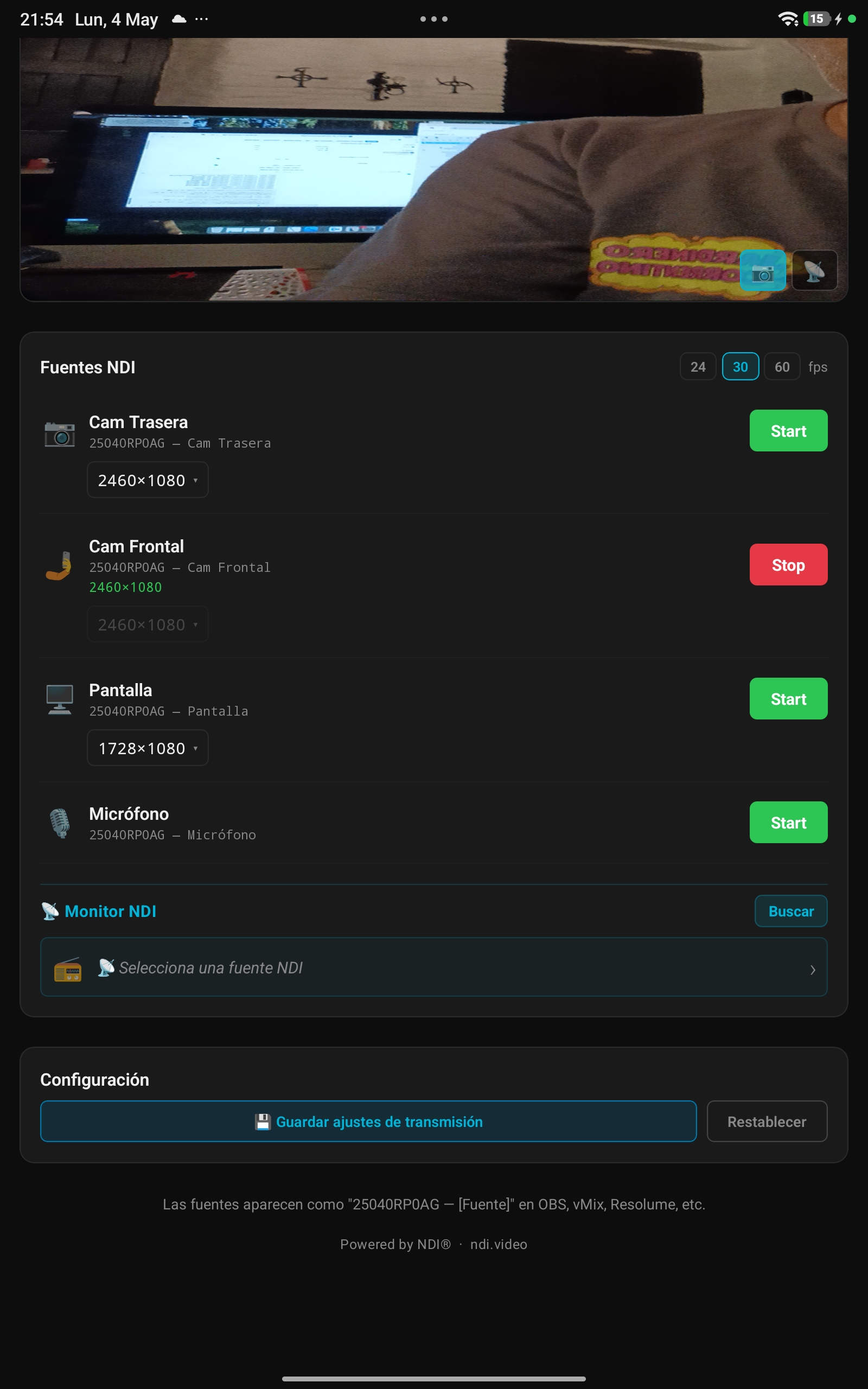
OMT streaming active

Everything you need to go live

A complete OMT toolset inside your pocket.

🎥
FREE

Dual Camera

Switch instantly between front and back cameras as independent OMT sources. Perfect for multi-angle setups.

📺
FREE

1080p Full HD

Broadcast at up to 1920×1080 with smooth 60fps support. Your feed will look production-ready.

📡
FREE

OMT Monitor

Receive and preview any OMT source from the network directly in the app with full audio playback.

🖥
FREE

Screen Capture

Stream your entire device screen in real time. System audio included on Android. Share presentations, apps, or games directly into your OMT workflow.

🎙
FREE

Microphone Audio

Transmit high-quality stereo microphone audio alongside your video, perfectly synced.

⚡
FREE

Low Latency

Optimized OMT pipeline keeps glass-to-glass latency under 100 ms on a good Wi-Fi connection.

🔄
FREE

Auto Rotation

Frames are automatically rotated to match your device orientation. Hold it any way you like.

🔍
FREE

Instant Discovery

OMT sources appear in OBS, vMix, and more automatically via mDNS — no configuration.

See the app in action

OMT sources list
Camera, screen & mic as OMT sources
Streaming active
Live stream — appears in vMix, OBS & more
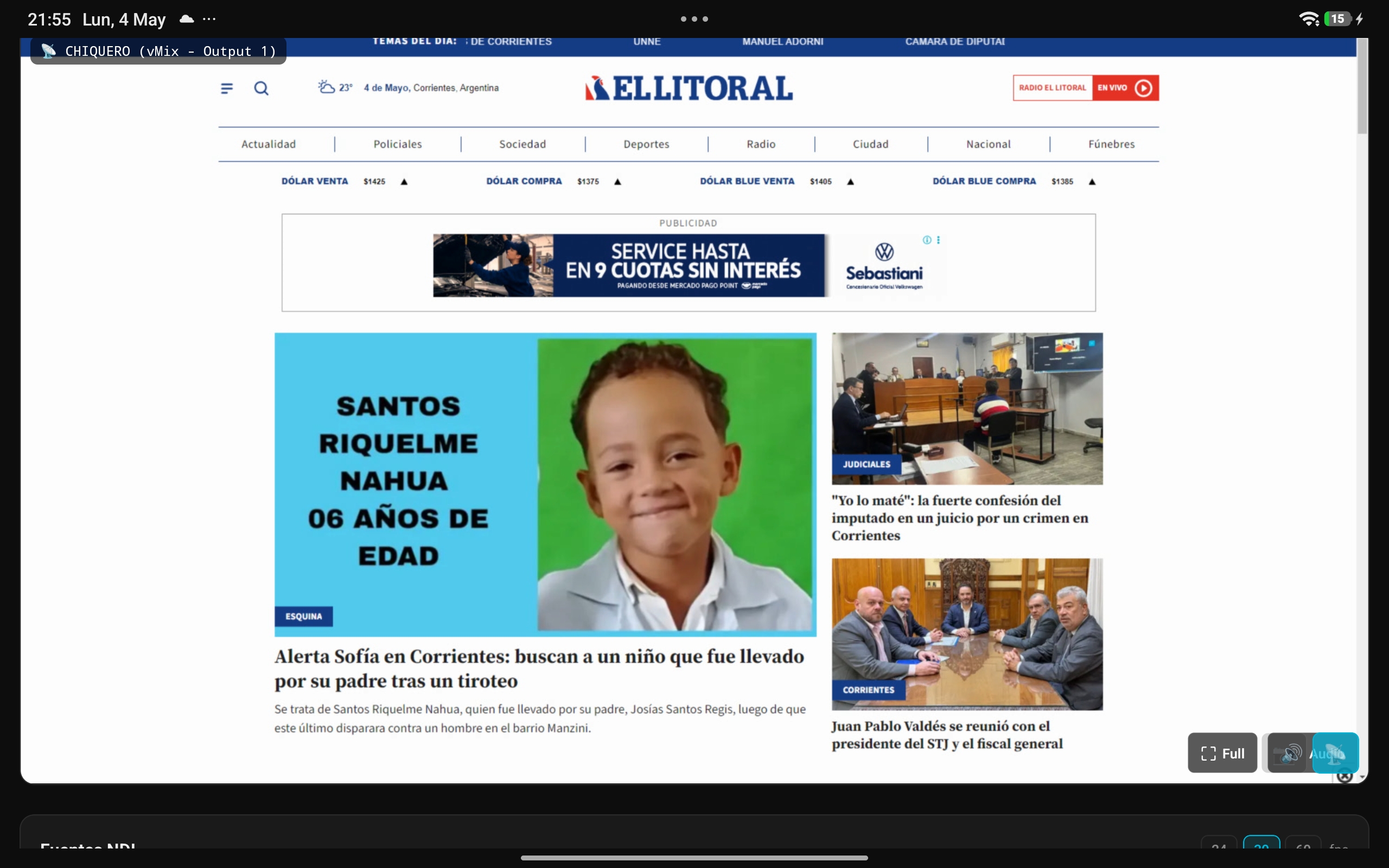
OMT Monitor receiving vMix output
OMT Monitor — receive any network source in real time

Works with every OMT tool

Your streams appear instantly in the tools you already use.

Simple, honest pricing

One-time payment. No subscriptions. Licensed per device.

Free
$0
forever
  • ✓ Back & front cameras
  • ✓ Screen capture
  • ✓ Microphone audio
  • ✓ Up to 1080p / 60fps
  • ✓ OMT Monitor (receive)
  • ✓ Multi-source simultaneous
  • ✓ Auto discovery (mDNS)
  • ✗ Watermark on streams
Download

Purchased inside the app · Verified per device

Changelog

What's new in each release.

v1.5 2026-05-11
  • iOS: Eliminated audio dropouts when streaming with camera in motion
  • iOS: Dedicated audio processing queue — audio and video run fully independent
  • iOS: Screen capture stop button now reliably terminates the broadcast extension
  • iOS: Screen share status accurately tracked across app launches
  • iOS: Single capture session architecture removes audio hardware conflicts
  • iOS: Improved audio-video synchronization on all receivers
v1.4 2026-05-05
  • Google Play & App Store first public release
  • Pro unlock via in-app purchase (one-time, $11.99)
  • Per-device server license verification
  • Package ID unified to com.omt.toolkit (Android & iOS)
v1.3 2026-05-04
  • Multilingual interface (EN/ES, auto-detect by device language)
  • Save & restore transmission settings between sessions
  • Free-tier watermark overlay on OMT stream (semi-transparent icon)
  • OMT monitor audio output with mute toggle (Android + iOS)
  • Android 16K page-size compatibility (Android 15+)
v1.2 2026-04-28
  • OMT Monitor: receive & preview OMT sources inside the app
  • AVSampleBufferDisplayLayer hardware video rendering on iOS
  • Fixed background freeze during screen share on iOS
  • Added VideoToolbox.framework linkage (VTDecompression symbols)
  • Microphone audio: handle all iOS audio formats (int16, float32)
v1.1 2026-04-20
  • Screen capture streaming (Pro) — Android & iOS
  • Microphone audio over OMT (Pro)
  • Per-device Pro license with server verification
  • OMT source discovery (mDNS / Bonjour)
  • Auto rotation to match device orientation
v1.0 2026-04-01
  • Initial release
  • Back & front camera streaming via OMT
  • Up to 480p free / 1080p Pro
  • Android and iOS support

Download OMT Toolkit PRO

Available for Android and iOS. Free to download.